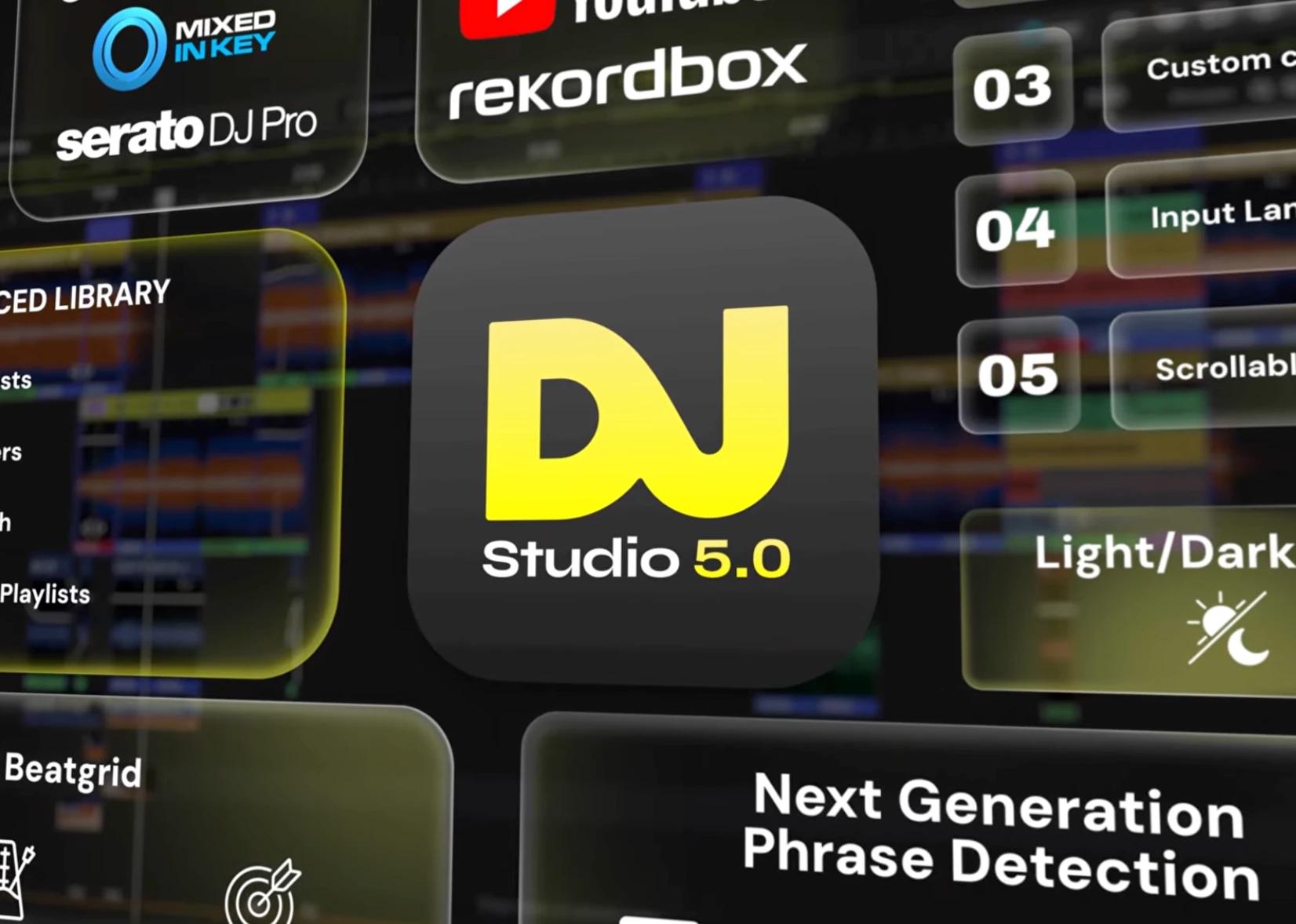
DJ.Studio 5.0 arrives on 11 November 2026, bringing automatic phrase detection, smarter transitions, a rebuilt audio engine and much better integration with existing DJ software. But is it genuinely useful for professional DJs, or just another shortcut to automated mixing?
DJ software has come a long way since the days when creating a seamless mix meant spending hours behind a pair of decks, recording everything in real time and starting again if something went wrong.
DJ.Studio takes a different approach.
Rather than trying to replace rekordbox, Serato or Traktor as performance software, it provides an environment where DJs can build, refine and export mixes using a visual timeline. Think of it as a cross between traditional DJ software and a digital audio workstation, designed specifically for mixing music.
With version 5.0, the developers are taking that concept considerably further.
At Storm DJs, we're interested in technology that helps DJs spend less time on repetitive preparation and more time on the creative side of their work. DJ.Studio is particularly interesting because it addresses some genuinely time-consuming jobs.
However, automation doesn't automatically make a great DJ mix. Let's look at what's new, where the software excels and where traditional DJing still wins.
1. Automatic phrase detection: The headline feature
Perhaps the most interesting improvement in DJ.Studio 5.0 is its ability to understand the musical structure of individual tracks.
Most DJs instinctively recognise phrases. You know when an intro finishes, when the chorus is about to arrive and when a breakdown is building towards a drop.
Getting those moments right is often what separates an average transition from an excellent one.
Previously, DJ.Studio relied more heavily on bar-based positioning, with phrase information available from certain external libraries.
Version 5.0 introduces its own phrase detection technology.
When you import a track, DJ.Studio analyses its structure and identifies sections such as:
Intros and outros
Verses and choruses
Breakdowns and buildups
Drops and other structural changes
These sections appear directly on the waveform, making it much easier to understand where a transition might work.
You can also edit the detected phrases if the software hasn't interpreted a track correctly.
Why does this matter?
Imagine blending a house track into another track with a prominent vocal.
Traditional beatmatching ensures that the tracks run together rhythmically. But that doesn't necessarily mean their arrangements work together.
An incoming vocal can clash with an outgoing chorus, or a transition can land halfway through an important musical section.
Phrase-aware mixing helps avoid these mistakes by using the structure of the music, rather than simply counting beats.
It's a significant step forward, although DJs should still listen carefully to the results. Not every track follows a predictable arrangement.
2. Harmonize now understands musical structure
DJ.Studio's Harmonize feature is already one of its biggest attractions.
It can analyse a collection of tracks and suggest an order based on musical key and tempo, helping to create a more coherent mix.
In version 5.0, Harmonize also uses the new phrase detection information to position transitions more intelligently.
Rather than automatically choosing a point a fixed number of bars from the beginning or end of a track, it can use detected intros and outros to help create more natural blends.
The updated workflow also supports ordering tracks by descending tempo, useful for sets intended to gradually reduce the energy.
And importantly, the DJ remains in control.
You can change the track order, move transitions and make your own creative decisions.
That's essential because harmonic compatibility is only part of what makes a set work.
Two tracks might share compatible keys and similar tempos but still sound completely wrong together because of their vocals, instrumentation or overall mood.
Our view is that Harmonize makes an excellent starting point, particularly when dealing with large track collections, but the final decisions should still belong to the DJ.
3. Smart Beatgrid tackles a longstanding DJ problem
Anyone who's tried mixing older disco, funk, soul or live-recorded music will appreciate this improvement.
Unlike modern electronically produced music, which often has a near-perfectly consistent tempo, older recordings can drift slightly throughout a track.
That makes maintaining an accurate beatgrid difficult.
DJ.Studio 5.0 introduces Smart Beatgrid, which is designed to identify the first beat more accurately and follow tempo variations across the recording.
You no longer have to select the type of beatgrid manually. The software adapts its analysis to the track.
For DJs working with 1970s disco, classic funk, older pop or live percussion, this could be one of the most useful additions in the entire update.
It won't eliminate every beatgrid problem, and manual correction remains available, but it should reduce preparation work considerably.
4. A completely rebuilt audio engine
Some of the most important improvements aren't immediately visible.
According to the developers, DJ.Studio 5.0 includes a rewritten core built around a native C++ audio engine.
The claimed benefits include reduced CPU and memory consumption, with exports up to three times faster than version 4.
That's potentially a substantial improvement.
Consider a DJ preparing a two-hour promotional mix or a lengthy set for a radio programme.
Exporting, reviewing and making corrections can involve several rounds of rendering. Faster processing could make that workflow considerably less frustrating.
We would, however, treat the three-times-faster figure as a developer benchmark rather than a guaranteed result. Performance will depend on your computer, project complexity, effects and export settings.
Nevertheless, improving the underlying audio engine is exactly the sort of development we'd like to see from DJ software.
5. One music library across different DJ platforms
This could be particularly useful for working professionals.
Many DJs accumulate music collections across several applications, sometimes because they've changed equipment or moved between different performance environments.
DJ.Studio 5.0 brings expanded library management for:
rekordbox
Serato
Traktor Pro
Engine DJ
VirtualDJ
Mixed In Key
The redesigned library offers improved searching, filtering, configurable columns, Smart Playlists and watch folders that can automatically pick up new music.
DJ.Studio also allows playlist management within supported DJ libraries, making it more useful as a central preparation environment.
For DJs who work across different equipment ecosystems, that's a welcome development.
Exporting back to your preferred DJ software
The other half of the equation is getting your finished preparation out of DJ.Studio.
Version 5.0 expands DJ-set export support to include Traktor Pro and Engine DJ alongside rekordbox, Serato, VirtualDJ and djay Pro.
Depending on the destination and export settings, DJ.Studio can prepare playlists, cue points, beatgrid information and other elements for use in your normal DJ software.
This matters because you can work on the structure of your set in DJ.Studio and then take that preparation into a live performance environment.
It's worth checking the exact export capabilities for your preferred platform, as not every type of edit or effect transfers identically between applications.
6. More tools for mashups and creative mixes
Beyond the headline improvements, version 5.0 includes some useful changes for DJs who enjoy constructing more elaborate mixes.
Ten sample lanes: Previously limited to three, DJ.Studio now supports up to ten sample lanes. That gives more room for additional percussion, vocals, effects and other audio elements.
A scrollable studio: The redesigned timeline allows lanes to retain more useful height instead of squeezing everything into one screen.
RGB waveforms: Frequency-coloured waveforms provide another visual way to recognise characteristics of the music while zoomed in.
Timeline markers: You can mark important points in a project and return to them easily, useful when working on long mixes.
Improved key analysis: The developers have updated their musical key detection algorithm, which should help when planning harmonically compatible transitions.
Recording input for mashups: The input lane, already available for DJ mixes, can also be used in mashup projects to record voice-overs or other live audio.
Refined scratching: The scratching sounds have been reworked, including an additional, more natural-sounding option.
There is also a broader interface redesign, including dark and light modes, improved settings navigation and universal search.
Individually, these aren't necessarily reasons to upgrade. Collectively, they make DJ.Studio feel more like a complete production and preparation environment.
7. What DJ.Studio still doesn't replace
This is where some perspective is needed.
DJ.Studio is powerful, but it serves a different purpose from traditional live DJ equipment.
It doesn't replace the skill of reading a crowd, reacting to requests, choosing the right record at the right moment or adapting when the atmosphere changes.
Those skills are particularly important for wedding, corporate and private-event DJs.
At a wedding, for example, you might spend weeks planning a brilliant musical journey, only to discover that the crowd responds to something entirely different on the night.
A talented DJ recognises that immediately and changes direction.
No pre-arranged mix can fully reproduce that interaction.
There is also a danger that automated transitions can encourage people to focus on technical perfection at the expense of musical personality.
A computer might suggest that two records work together harmonically. That doesn't necessarily mean the transition has energy, originality or emotional impact.
DJ.Studio is best understood as a creative preparation tool, not a replacement for live performance experience.
8. The drawbacks worth considering
Although we're impressed by the direction DJ.Studio is taking, there are some limitations.
There's a learning curve. DJs accustomed to two virtual decks and a mixer will need to get comfortable with timeline-based editing.
Automatic analysis isn't infallible. Phrase detection, musical key analysis and beatgrids can still require human correction, especially with unconventional arrangements.
It isn't the ideal tool for spontaneous live mixing. Its greatest strengths are in planning, editing and preparing sets rather than responding to a dancefloor in real time.
Some features cost extra. Advanced manual transitions, stem separation, video creation and plugin support depend on the licence tier.
Major updates can introduce disruption. Version 5.0 substantially changes the interface and underlying technology. DJs relying on the software for important projects should back up their work and test existing workflows before switching completely.
These aren't necessarily deal-breakers, but they're worth understanding before making a purchase.
9. Who should consider DJ.Studio 5.0?
We can see several groups of DJs benefiting from the software.
Professional mobile DJs: Useful for creating promotional mixes, editing prepared sequences, planning musical journeys and producing special-event recordings.
Radio and podcast DJs: Particularly suitable for producing polished, consistently mixed programmes without needing to record every transition live.
Club DJs: Helpful for experimenting with harmonic combinations, testing track arrangements and preparing sets before a performance.
Mashup creators: The timeline, sample lanes, stem separation options and effects make it attractive for more elaborate edits.
Aspiring DJs: The visual representation of phrases, keys and transitions can help newer DJs understand how different records fit together.
For complete beginners, though, we would still recommend learning basic beatmatching, phrasing and music selection independently rather than relying entirely on automation.
10. Pricing and value for money
One welcome aspect of DJ.Studio is the option to purchase a perpetual licence rather than committing to an ongoing subscription.
The current range includes Studio, Pro, Pro + Stems and Ultimate.
Studio covers the essentials, while Pro adds more advanced transition editing and export capabilities. The higher packages offer features including stem separation, additional effects, video creation and plugin support.
A one-time licence includes 12 months of updates and support. After that, the installed software continues working, although accessing subsequent feature updates may require purchasing an additional update package.
DJ.Studio also provides a seven-day trial, although exporting completed mixes is restricted during the trial.
Our advice would be to start with the trial and see whether the timeline-based approach suits the way you work.
Get 15% off DJ.Studio
Storm DJs readers can currently receive 15% off an eligible one-time DJ.Studio licence using our referral link:
The discount is applied through the referral offer, subject to DJ.Studio's terms.
Disclosure: This is a referral link. If you purchase through it, we may receive a commission at no additional cost to you. Our opinions and recommendations remain independent.
Our verdict: A meaningful update, not just a new interface
DJ.Studio 5.0 looks like one of the platform's most substantial releases yet.
The combination of phrase detection, smarter Harmonize transitions and improved beatgrids addresses some of the most awkward parts of preparing a technically polished DJ mix.
The new library functionality is particularly welcome, while the rebuilt audio engine could make a noticeable difference to anyone producing longer mixes regularly.
What makes DJ.Studio interesting isn't simply that it can automate transitions.
It's that it allows DJs to experiment more freely, hear different combinations and refine the results without constantly recording another full-length performance.
The biggest strength is time saved on repetitive technical work. The biggest limitation is that musical judgement still can't be automated.
And, frankly, we're pleased that's still the case.
For DJs who regularly produce recorded mixes, radio shows, mashups or carefully prepared sets, DJ.Studio 5.0 is well worth exploring.
For DJs whose work revolves almost entirely around improvising live on CDJs or controllers, it may be a useful companion rather than an essential purchase.
Either way, this is a software platform worth watching.
Try DJ.Studio and claim 15% off
Watch DJ.Studio 5.0 in action
The developers have released a walkthrough showing the new phrase detection, mixing workflow and other improvements.
Watch the official DJ.Studio 5.0 demonstration on YouTube
Storm DJs is a UK DJ agency supplying professional DJs for weddings, corporate events and private parties. We cover new DJ technology, equipment and developments in the industry because we believe great DJs should never stop learning.